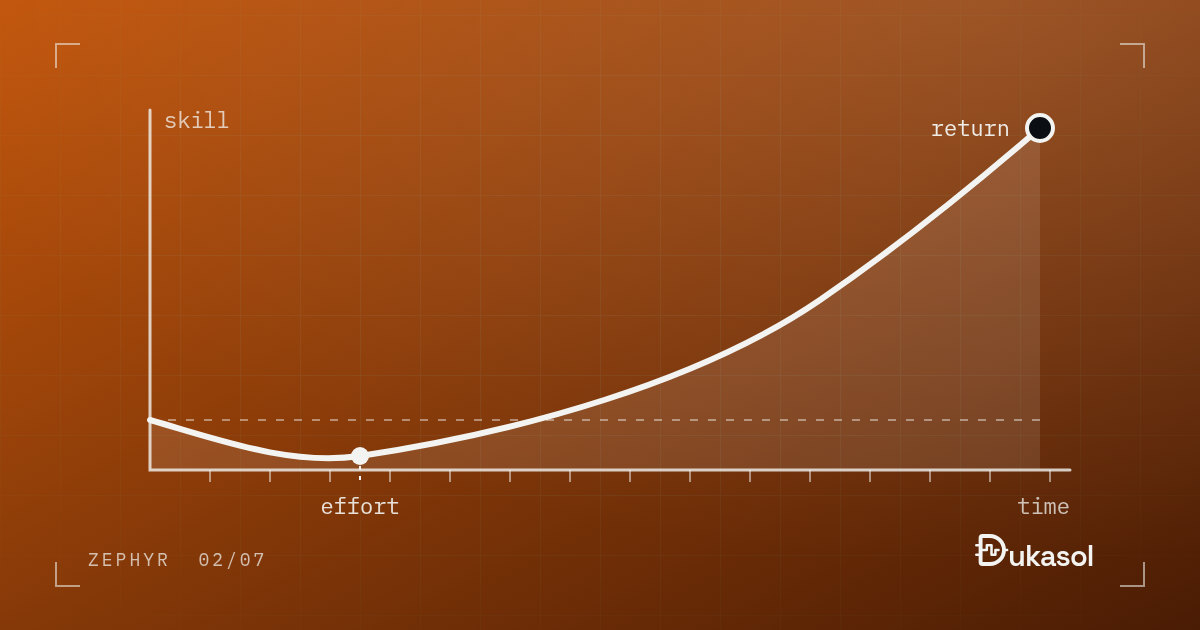
Let me say this up front: learning Zephyr is not easy. It takes time and effort. But it gives you something back.
This post is about what you get for that investment, and how to make it without losing months on the parts that do not matter yet.
Quality and speed#
The tools and the ecosystem that come with Zephyr let you deliver work that is both faster and better. You spend less time on things that repeat, and more time on the actual problem.
The things that repeat are easy to list, because every product needs them: a log, a debug shell, somewhere to keep settings across a reboot, a bootloader that can take an update, a test framework, drivers for the parts on the board. In bare metal, each of those is days or weeks of work, and most of it gets done again on the next project. In Zephyr, most of them are configuration.
Here is a concrete one. An application whose main() does nothing at all,
plus these lines in prj.conf:
CONFIG_SHELL=y
CONFIG_KERNEL_SHELL=y
CONFIG_DEVICE_SHELL=y
CONFIG_THREAD_MONITOR=y
CONFIG_THREAD_NAME=y
CONFIG_THREAD_STACK_INFO=y
CONFIG_INIT_STACKS=y
gives you an interactive shell on the console UART, with commands to inspect the running system. This is it on native_sim with Zephyr 4.4.2:
uart:~$ kernel version
Zephyr version 4.4.2
uart:~$ kernel thread list
Scheduler: 0 since last call
Threads:
*0x805e4e0 shell_uart
    options: 0x0, priority: 14 timeout: 0
    state: queued, entry: 0x804d871
    stack size 2048, unused 2024, usage 24 / 2048 (1 %)

 0x805ec80 idle
    options: 0x1, priority: 15 timeout: 0
    state: , entry: 0x8050df8
    stack size 256, unused 232, usage 24 / 256 (9 %)

uart:~$ device list
devices:
- uart (READY)
  DT node labels: uart0
On a real board the same kernel thread list is how you size thread stacks
from measurements instead of guesses. (Do not read the stack figures above too
literally: on native_sim the threads actually run on host stacks, so the
usage shown is meaningless. On hardware it is real.) Built by hand on bare
metal, a command line like this is real work; here it is seven lines of
configuration.
Drivers work the same way. Zephyr 4.4.2 ships more than 200 sensor drivers behind one sensor API, and the same holds for displays, flash parts, radios and the rest. If the part on your board is supported, using it is a devicetree node and a handful of API calls, not a week with a datasheet and a register map.
A better engineer#
Beyond that, Zephyr pushes you to become a better engineer. The code I wrote before Zephyr was not abstracted well enough. We carried on without noticing, because in the bare-metal world nothing forces you to. But poorly abstracted code directly hurts testability and modularity: technical debt builds up and maintenance gets harder.
Here is what that looks like in practice. A button debouncer, written the way bare-metal code tends to be written, reads the pin itself:
bool button_pressed(void)
{
    static uint8_t count;
    static bool state;
    bool level = (GPIOA->IDR & GPIO_IDR_ID0) != 0;   /* reads the pin itself */

    if (level == state) {
        count = 0;
        return false;
    }
    if (++count < THRESHOLD) {
        return false;
    }
    state = level;
    count = 0;
    return state;
}
It works. It can also only ever be tested by pressing a button, on that one board, with that one pin. The logic, the hardware access and the state are all in one place.
Zephyr’s driver model and architecture all but force you to get this right. Hardware access goes through an API, so the natural shape is logic that takes the sample as an argument, and a caller that does the reading:
bool debounce_update(struct debounce *d, bool sample);

/* the caller, once per tick: */
if (debounce_update(&btn, gpio_pin_get_dt(&button) > 0)) {
    /* the debounced state changed */
}
Now the logic is plain C that runs anywhere, including in a unit test on your laptop with native_sim, and the pin is the devicetree’s business. It feels heavy at first, and over time it becomes a habit. The habit outlives Zephyr, too: you write better FreeRTOS and bare-metal code once you have had to write it this way.
There is a quieter benefit as well. Device Tree and Kconfig are not Zephyr inventions. Both come from the Linux kernel, and U-Boot uses them too. The time you spend on them also pays off the day you touch embedded Linux.
Career#
It is not widespread in Turkey yet, but in job postings in Europe and the US Zephyr has become a skill that comes up again and again. I believe the same trend will reach Turkey in the coming years. Learning it now means being ahead of that wave.
You can see the direction on the vendor side too. Nordic put its nRF5 SDK into maintenance mode in 2021, and its new development happens in the nRF Connect SDK, which is built on Zephyr. The project’s platinum members include Google, Meta, Intel, NXP, Nordic, Qualcomm, Renesas, Silicon Labs and Analog Devices, and in October 2026 Texas Instruments and Infineon moved up to that tier as well. Companies do not pay for the top membership tier of a project they do not intend to build products on.
One more thing that is easy to overlook: Zephyr experience is public in a way most embedded work is not. The firmware you write at work disappears into products and NDAs. A merged pull request in Zephyr, even a small fix, is visible to anyone, under your name, for good.
How to start without wasting months#
- Start on native_sim. No board, no flashing, no debugger: the whole kernel runs as a process on your laptop, which makes it the cheapest place to experiment.
- Then pick one well-supported dev kit, such as an nRF52840 DK or an STM32 Nucleo. Boards like these have the most samples in the tree, so you spend your time on Zephyr instead of on bring-up.
- Learn the pieces in order: the build, then Device Tree, then Kconfig, then one driver class. The first post in this series explains why that order works.
- Build one small thing end to end: read a sensor over I2C, send the value over BLE, and run a unit test for the logic in CI. That one project touches devicetree, Kconfig, a driver, the Bluetooth stack and the test framework.
- Read the samples when the docs run out. The
samples/directory is often the clearest documentation there is, because it has to build. - Send one contribution upstream. A documentation fix counts. It teaches you the review process, and it starts the public record.
Investing in Zephyr is really investing in yourself.